
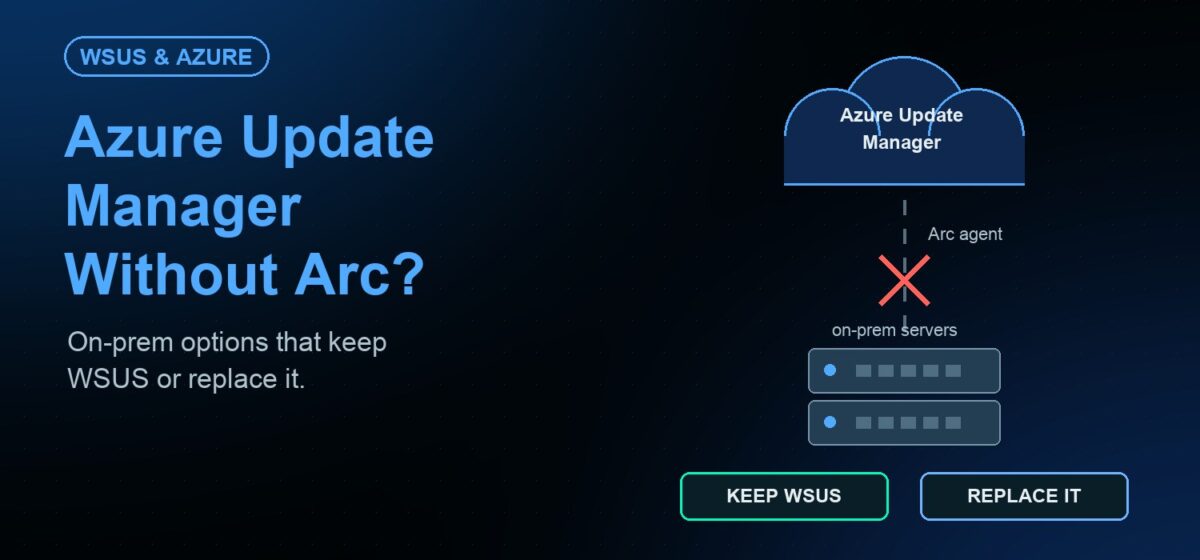
Short answer: for on-premises servers, Azure Update Manager requires Azure Arc. Microsoft’s FAQ states that machines not running in Azure must be enabled for Azure Arc to be managed by Azure Update Manager. For on-premises servers, that means an Azure tenant, the Arc agent and a per-server monthly charge in most cases. Teams that cannot or will not connect servers to Azure need an on-prem patch platform instead.
How Azure Update Manager manages on-prem servers
Microsoft describes Azure Update Manager as a unified service for managing updates on machines that run a server operating system. It covers Azure VMs and machines on-premises or in other clouds that are connected through Azure Arc.
When you trigger an operation, Update Manager pushes an extension to the machine. On non-Azure machines, that extension works with the Azure Arc agent. Update data is stored in Azure Resource Graph.
It has real strengths for Azure-standardized teams. It offers scheduled maintenance windows, periodic assessment every 24 hours, Azure Policy support, role-based access control and custom workbooks.
Pricing notes
According to Microsoft’s FAQ, Update Manager has no extra charge for Azure VMs and for Arc-enabled Azure Local VMs created through an Arc resource bridge. Other Arc-enabled servers are charged per server per month, prorated daily.
A server is billed for days when its Arc status is Connected and Update Manager manages it. Microsoft lists cases with no Update Manager charge. These include servers enabled for ESUs through Arc and subscriptions with Defender for Servers Plan 2. They also include servers with active Software Assurance or Windows Server subscription licenses. Check the official Azure pricing page for current rates.
Can Update Manager use WSUS?
Yes, in a sense. Microsoft says you can point the Windows Update client to Microsoft Update or to a WSUS server. Update Manager then manages the schedules. For Linux, machines can use public repositories or a private clone.
Even with WSUS as the source, each server still needs Azure Arc to be managed. Note too that Microsoft lists WSUS as no longer actively developed, though existing capabilities remain available.
Why some teams cannot connect servers to Azure
- Air-gapped networks. Microsoft’s ESU FAQ notes that Arc-enabled servers expect connectivity at least once in a 30-day window. Fully isolated servers cannot meet that.
- Data sovereignty. Policy may require inventory and patch data to stay on your own infrastructure.
- No Azure standard. Adding a tenant and Arc agents to a non-Azure estate adds a new dependency.
- Cost at scale. Per-server monthly charges add up across large on-prem estates.
- Unix servers. AIX and Solaris also need a home for patching.
Options compared
| Option | Needs Azure Arc? | Works air-gapped? | Notes |
|---|---|---|---|
| Azure Update Manager | Yes, for non-Azure machines | No; Arc expects periodic connectivity | Strong fit for Azure-standardized estates |
| WSUS on its own | No | Yes, with manual processes | No longer actively developed; Windows only |
| JetPatch with your WSUS | No | Yes | Adds governance, readiness checks and reporting on top of WSUS |
| JetPatch repository (WSUS replaced) | No | Yes, with Offline Windows Patching | No WSUS server to maintain |
Keep WSUS or replace it, without Azure
JetPatch runs on your own infrastructure. No Azure tenant, Azure Arc or vendor cloud is required. For Windows Server you choose both options from one console.
- Work with your WSUS. Deep integration covers primary and replica servers, bidirectional group sync and third-party application patching through the WSUS pipeline.
- Replace WSUS. Patch Windows Server from the JetPatch repository with no WSUS server to maintain.
- Move at your pace. Start in WSUS mode, pilot the repository on a group of servers, then switch.
Endpoint Readiness checks each Windows server before the window, so failures are fixed in advance. For air-gapped sites, Offline Windows Patching delivers verified updates without internet access. The same console patches RHEL, Ubuntu, SUSE, AIX and Solaris. Compare paths on the WSUS replacement page.
A practical path that keeps servers off Azure
If Azure Arc is not an option, a staged plan avoids a risky cutover.
- Map your estate. Split servers into connected, restricted and air-gapped groups.
- Put governance on WSUS first. Run JetPatch in WSUS mode so nothing changes for the servers on day one.
- Add readiness checks. Use Endpoint Readiness to fix update agent and connectivity problems before each window.
- Pilot the repository. Move one group of servers to the JetPatch repository and compare results for one cycle.
- Extend to isolated sites. Bring air-gapped servers onto Offline Windows Patching.
- Add Linux and Unix. Patch RHEL, SUSE, AIX and Solaris from the same console.
Each step is reversible. You can keep some sites on WSUS while others use the JetPatch repository, with one compliance view across both.
Frequently asked questions
Can Azure Update Manager patch on-prem servers without Azure Arc?
No. Microsoft’s FAQ says machines not running in Azure must be enabled for Azure Arc to be managed by Update Manager.
Is Azure Update Manager free for on-prem servers?
Usually not. Arc-enabled servers are charged per server per month, prorated daily. Microsoft lists exceptions, such as ESU-enabled servers, Defender for Servers Plan 2 and active Software Assurance.
Can I patch Windows servers on-prem without Azure or WSUS?
Yes. JetPatch can replace WSUS with the JetPatch repository and runs entirely on your infrastructure. It can also keep working with WSUS if you prefer.
Can I use Azure Update Manager for some servers and JetPatch for others?
Yes. Some teams use Update Manager for Azure VMs and an on-prem platform for data-center and isolated servers. Give each server one patch owner.
Need on-prem patching with no Azure dependency? Request an evaluation and test both WSUS options on your own servers.